
- Allegany County Public Schools
- Overview
School Messenger Issues - Questions & Answers
-
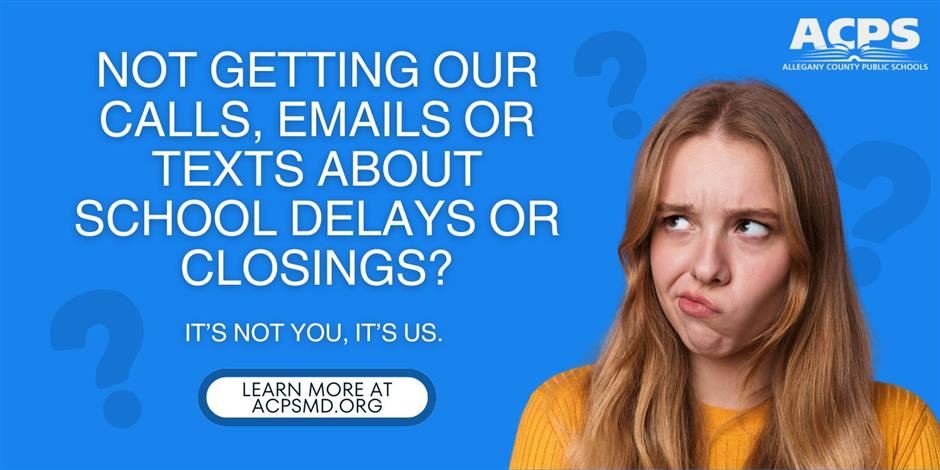
Q: Why am I not receiving calls, emails, or texts about school delays or closings anymore?
A: We recently moved to a new School Messenger system, and we're experiencing some technical issues that are preventing messages from reaching everyone. Our team is actively working on this, and fixing it is our top priority.
In the meantime, you can stay informed about school delays, closings, and early dismissals by:
- Checking our website homepage
- Following us on social media (Facebook, Instagram, and Twitter/X)
- Listening to local news outlets and radio stations
To help us fix your notification settings, please fill out this Google form. This will enable us to review your current record and update our data.
Q: I'm not a parent or guardian, but I am/may be an emergency contact for an ACPS student. Why am I getting non-emergency messages?
A: Thanks for letting us know. Since you're listed as an emergency contact for a student, you're in our system. Right now, our new School Messenger platform has a technical glitch that's sending non-emergency messages to emergency contacts by mistake. We're working hard to fix this issue.
Q: What's causing these issues?
A: This summer, we upgraded to a new communication system through PowerSchool. During the transition, some technical issues came up that are affecting how our data connects. This means some families aren't receiving messages, while some emergency contacts are getting messages they shouldn't.
We know this is inconvenient, and we're making it our priority to get everything working smoothly for everyone.
Q: When will the notifications be working again?
A: We're working as quickly as possible to resolve these technical issues. While we don't have a specific date yet, we'll keep you updated.
Q: How can I stay updated on delays, closings, or early dismissals?
A: You can find this information by:
- Visiting our website homepage
- Checking our social media pages (Facebook, Instagram, and Twitter/X)
- Listening to local news outlets and radio stations
Q: What can I do to help?
A: Please fill out this Google form. The information you submit helps us verify your account and work toward a solution.
-
Helpful Links:
Learn more about our Winter Operations, including how decisions are made about school schedules during inclement weather and how we use virtual learning days.
